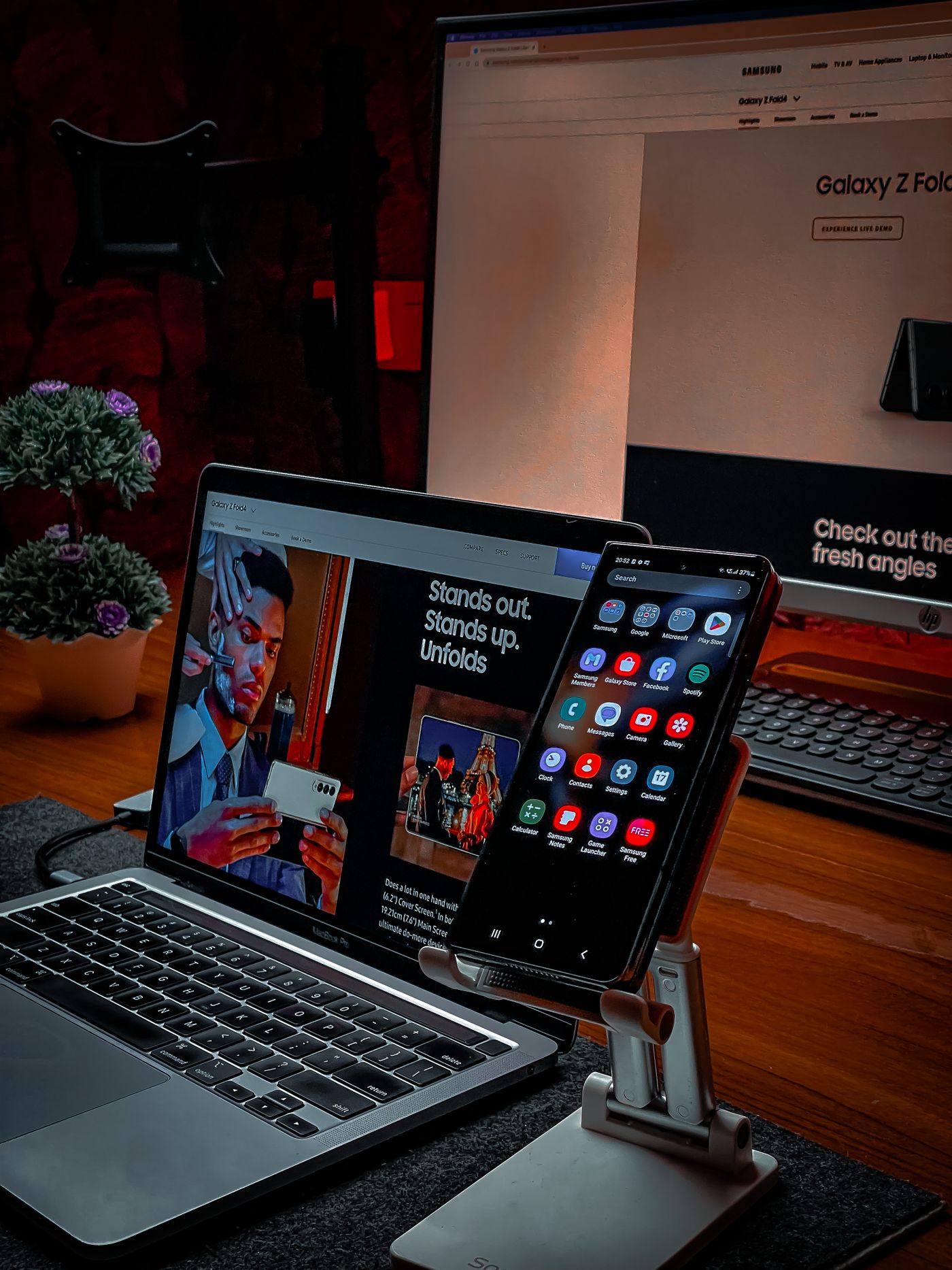
Technology can make everyday tasks easier, but choosing what to buy can feel overwhelming. A phone, tablet and laptop may all promise to help you work, study and stay connected. The useful question is which device solves a real problem in your life without stretching your budget.
Begin with what you need to do
Make a short list of the tasks you perform most often. Reading email, joining video calls and browsing the internet usually call for different priorities than editing video or running specialist software. Think about where you will use the device, whether you need a keyboard and how long you will be away from a power outlet.
Check what you already own before replacing anything. A better desk setup, an external keyboard or a repair might solve the problem for less than a new device. If an existing computer cannot run the software you need or no longer receives security updates, replacement may be more practical.
Match the device to your routine
A laptop can be a useful starting point for writing assignments, managing documents and moving between home and school or work. A desktop may suit someone with a permanent workspace who values a larger display. A tablet can be convenient for reading, watching lessons and taking notes, but check that the apps and accessories you need are available.
A smartphone handles communication and many small daily tasks, although a small screen can make long documents and detailed spreadsheets awkward. You may not need every type of device. One suitable computer and a reliable phone can cover more of your routine than several overlapping purchases.
Consider learning and working from home
For online classes or remote work, check the requirements set by your school or employer before shopping. A dependable connection, a usable microphone and a comfortable keyboard may matter more than premium extras. Make sure your chosen device supports the required browser, meeting tools and coursework software.
Think about your surroundings as well. Headphones can help in a shared room, while an adjustable screen position can make a desk easier to use. Our article on adapting to a tech-based education world explores the role of these tools in learning.
Work out the full cost
Set a spending limit before comparing products. Include any essential accessories, software subscriptions, delivery charges and repair costs. A low advertised price may be less attractive if you need to buy several extras immediately.
Compare buying outright with the total repayment cost of financing. Monthly payments still have to fit alongside rent, food and other commitments. Refurbished equipment may be worth considering if the seller clearly explains its condition, return policy and warranty.
Check compatibility and support
Look at how a purchase will work with the devices and services you already use. Check ports, file formats, storage needs and accessibility features. Read the manufacturer's support information rather than assuming every device will receive updates for the same length of time.
Before buying a connected home accessory or wearable, ask what benefit you expect and what information it collects. Review privacy settings and account requirements. Choose a device because it helps with a task you value, rather than because it adds another screen to your day.
Choose usefulness over novelty
The right technology should fit your routine and leave room in your budget for other priorities. Compare a few suitable options, try the controls when possible and avoid paying for features you are unlikely to use. A careful purchase can remain useful long after the excitement of something new has passed.